Opera
Opera is a free web browser for Windows from Opera Software. The stable release is 136.0.6008.22, published on 17 September 2026.
133.1 MB

Vivaldi is a free, highly customisable web browser from Vivaldi Technologies, based on Chromium and with a built-in email client. This page covers version 8.2 (4133.76).
Average 0.0 · ratings: 0
Thank you! Your rating is saved; you can change it. Could not save the rating. Please try again later. Too many ratings from your network today. Please try again tomorrow. The average appears after 5 ratings.
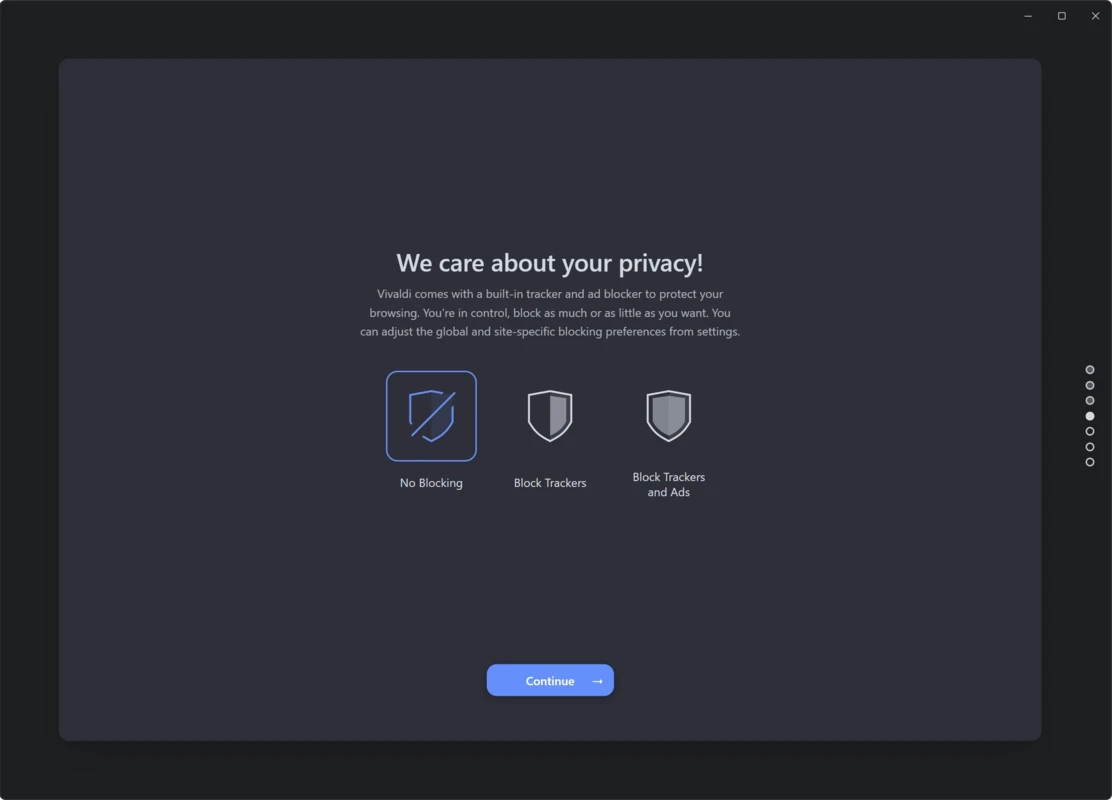
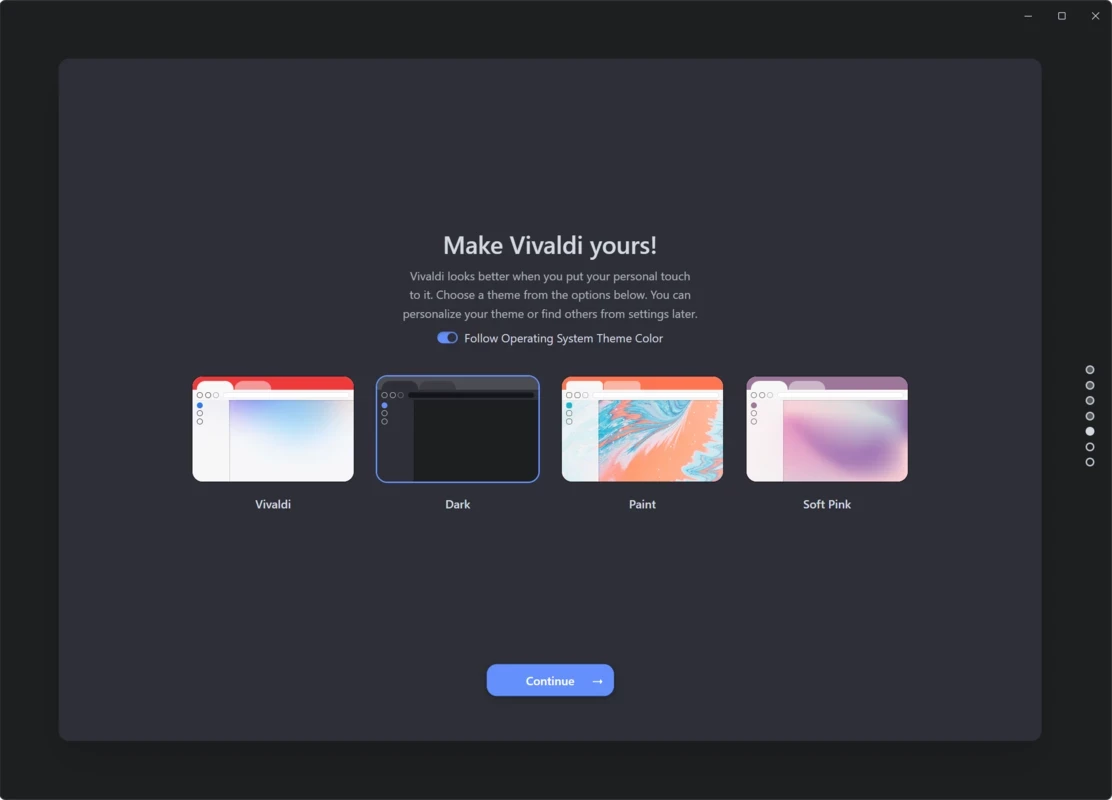
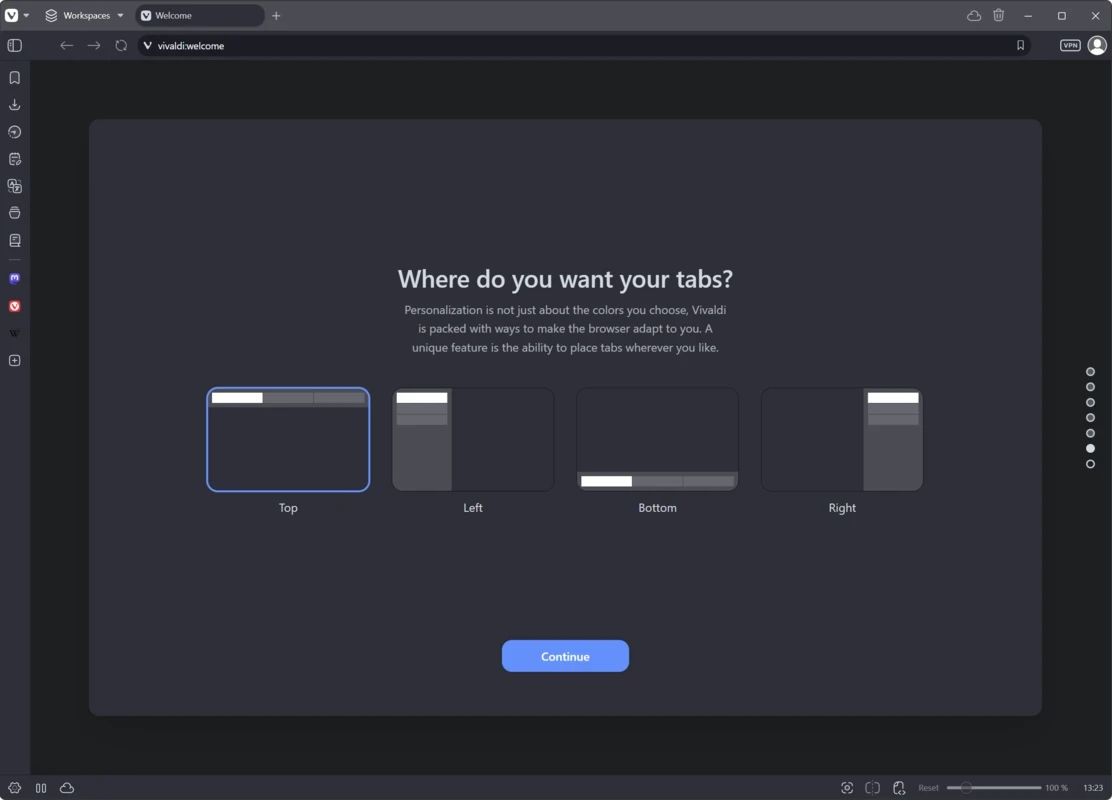
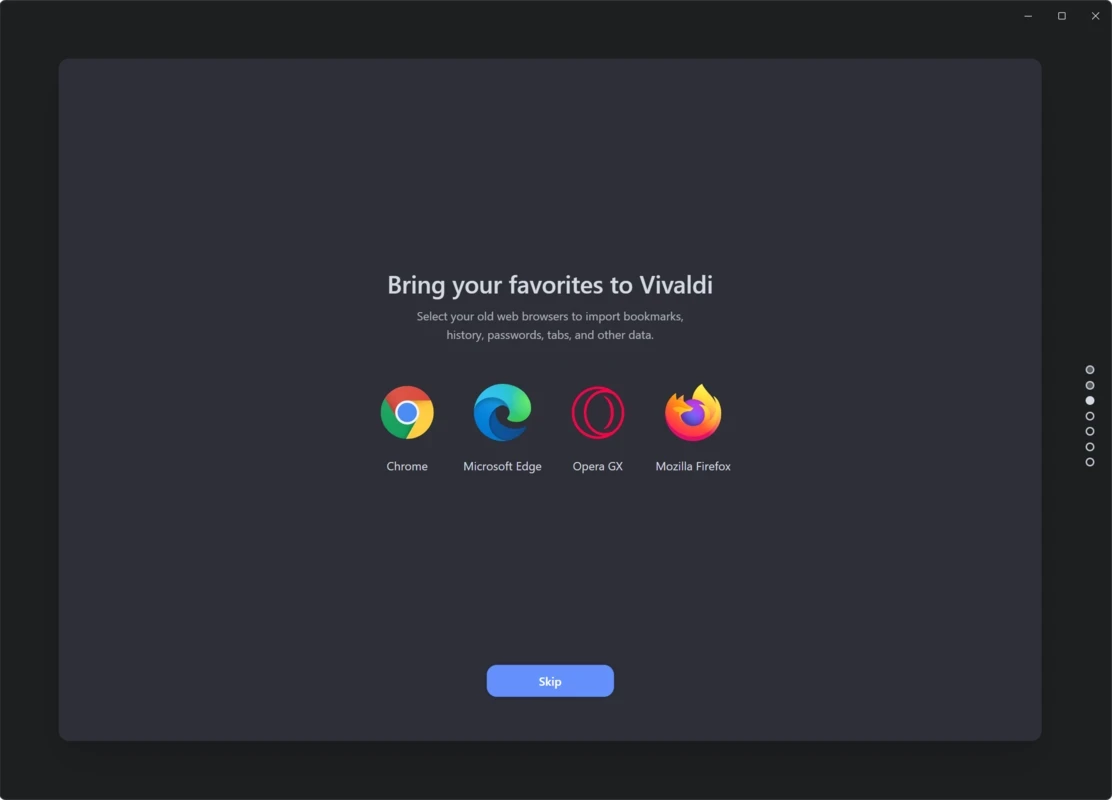
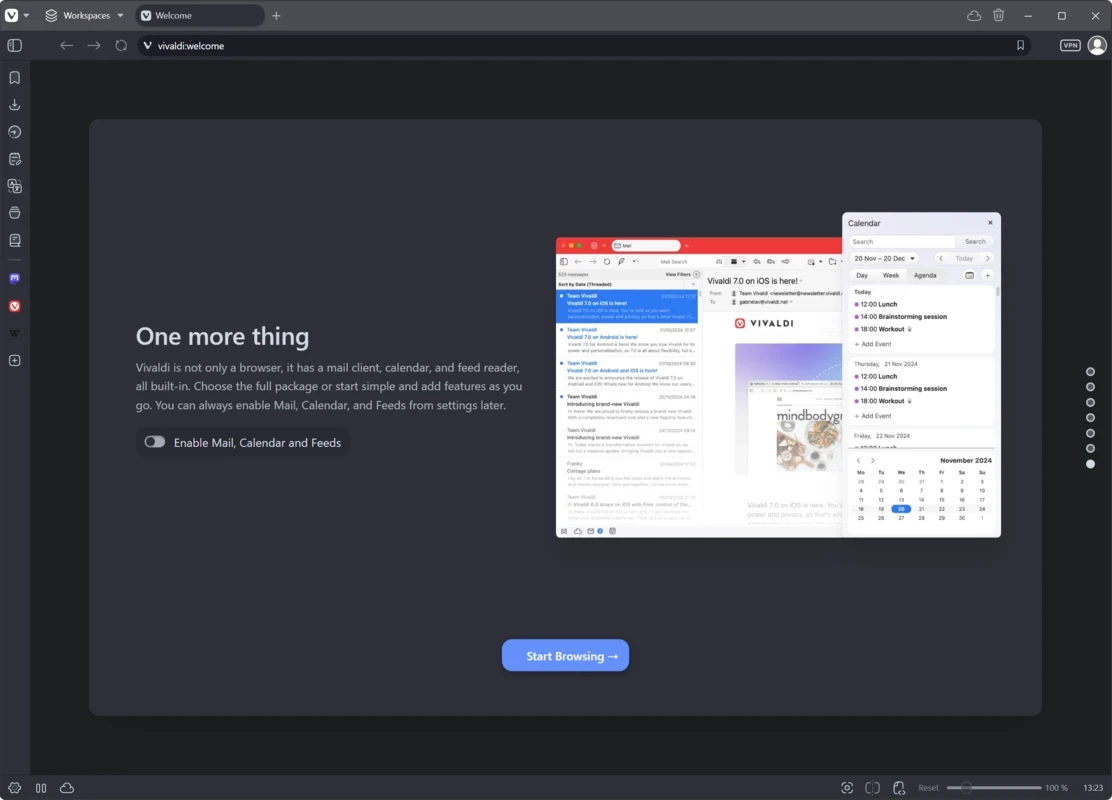
Vivaldi 8.2 (4133.76) for Windows is the current stable release of the free web browser from Vivaldi Technologies. Built on Chromium and shipping with its own email client, it is aimed at people who like to shape their browser to the way they work; you can download it from vivaldi.com or the Microsoft Store.
Vivaldi first appeared on 27 January 2015, created by a team that wanted a browser for power users. Because it is based on Chromium, it opens modern websites the same way as other Chromium browsers and can use the same kind of extensions. Around that engine, Vivaldi builds a very flexible interface: the look and layout of the window can be adjusted far more than in most browsers, so it can fit very different working styles. The standout difference is that Vivaldi is also an email client, so mail can live in the same window as your tabs rather than in a separate program. The browser is free, and the company publishes the source of its Chromium modifications. Updates are frequent: several 8.2 builds arrived in September 2026 alone. Vivaldi runs on Windows, macOS, Linux, Android and iOS.
| System | Builds offered |
|---|---|
| Windows | current Windows, including Windows ARM64 (Snapdragon) |
| Older Windows | separate Windows 7 32bit and 64bit builds, and a Windows XP/Vista 32bit build |
| macOS | macOS 12+ 64bit |
| Linux | DEB and RPM, 64bit and ARM64 |
Details are on the official download page. The installer is about 156.2 MB according to catalogue data.
Download Vivaldi only from its official site or the Microsoft Store. Old builds for Windows 7, XP and Vista do not receive the same protection as current ones, so use them only on machines you cannot upgrade. Keep the browser updated and install extensions only from trusted sources.
Vivaldi is a strong match for people who spend the whole day in the browser and want it arranged their way: researchers juggling dozens of tabs, writers who keep mail and reading side by side, and anyone who finds mainstream browsers too rigid. If you prefer a browser that just works with default settings and never ask for more, a simpler option may feel lighter. It is also a good second browser for keeping work and personal browsing apart on one PC.
Other browsers in our listings: Opera, Brave Browser, Google Chrome and Mozilla Firefox. The Vivaldi changelog lists what changed in the latest build.
Opera is a free web browser for Windows from Opera Software. The stable release is 136.0.6008.22, published on 17 September 2026.

UC Browser for Windows is the desktop version of the web browser from UCWeb, a Chinese mobile internet company.

Google Translate is Google's multilingual machine translation service, used on Windows through the website and a browser extension.

Microsoft Edge is Microsoft's web browser, preinstalled on current Windows versions and available as a free download for reinstalling or updating.

Mozilla Firefox is a free and open-source web browser developed by Mozilla, available for Windows, macOS, Linux, Android and iOS.

Google Chrome is the free web browser from Google. The stable Windows release is 154.0.8037.58, out since 22 September 2026.

Cent Browser is a free Chromium-based browser for Windows from Cent Studio that adds mouse gestures, tab tweaks and other power-user options.